A business website should be usable by as many people as possible. That includes visitors with visual, hearing, motor or cognitive impairments, as well as people browsing on small screens, using slow connections or navigating in challenging environments.
Accessible web design removes unnecessary barriers and creates a clearer, more convenient experience for everyone. It can improve usability, strengthen brand reputation and help businesses reach a wider audience.
What Does Website Accessibility Mean?
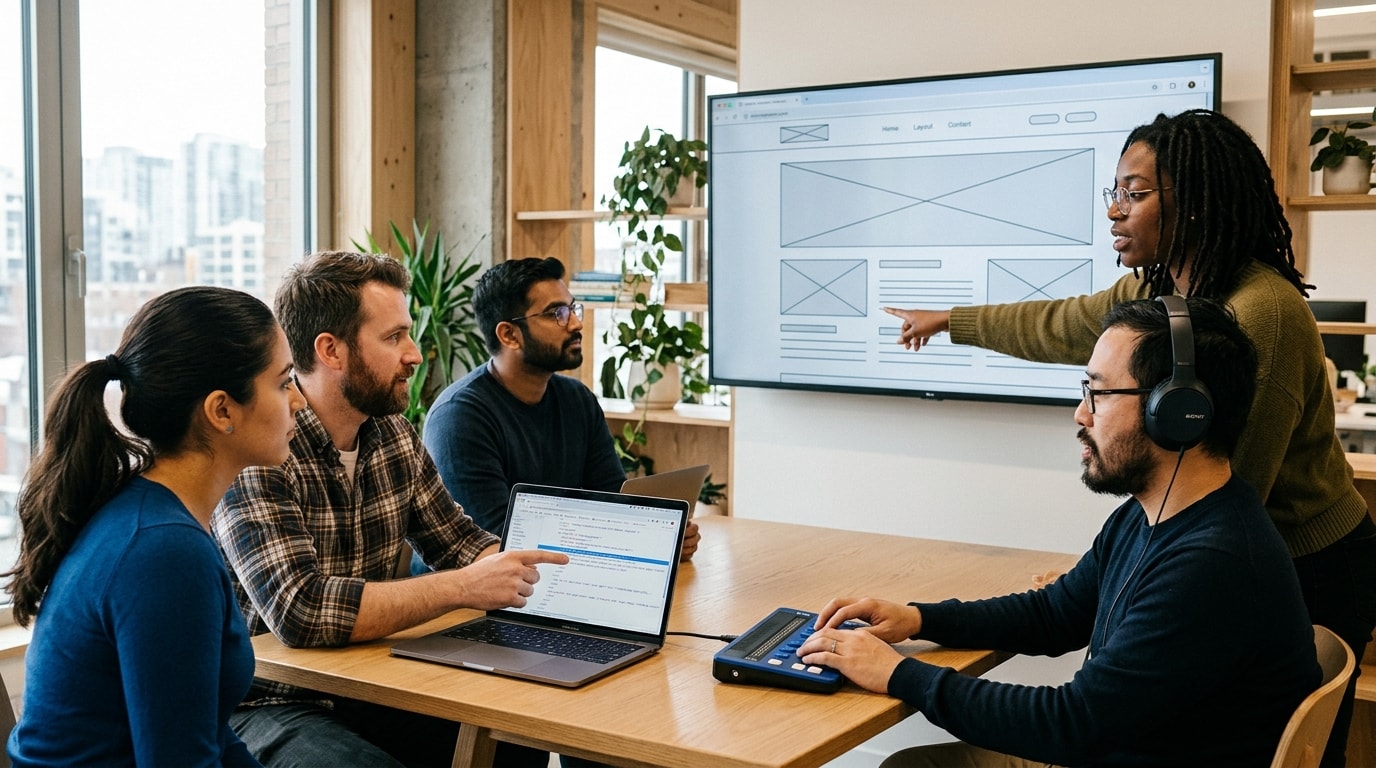
Website accessibility means designing and developing digital content so that people with different needs can understand, navigate and interact with it.
Some visitors may use assistive technologies such as screen readers, voice controls or keyboard navigation. Others may simply need larger text, clearer language or stronger colour contrast.
An accessible website considers these needs from the beginning rather than treating accessibility as an optional feature added later.
Create Clear and Logical Navigation
Visitors should be able to move through a website without confusion.
Use Descriptive Menu Labels
Navigation labels should explain clearly where each link leads. Terms such as “Services”, “About Us” and “Contact” are usually more useful than creative labels that require interpretation.
Menus should also follow a consistent structure across the website.
Support Keyboard Navigation
Some users cannot operate a mouse and depend on a keyboard to move between links, buttons and form fields.
Interactive elements should follow a logical order and include visible focus indicators so users can see which item is currently selected.
Include Helpful Page Headings
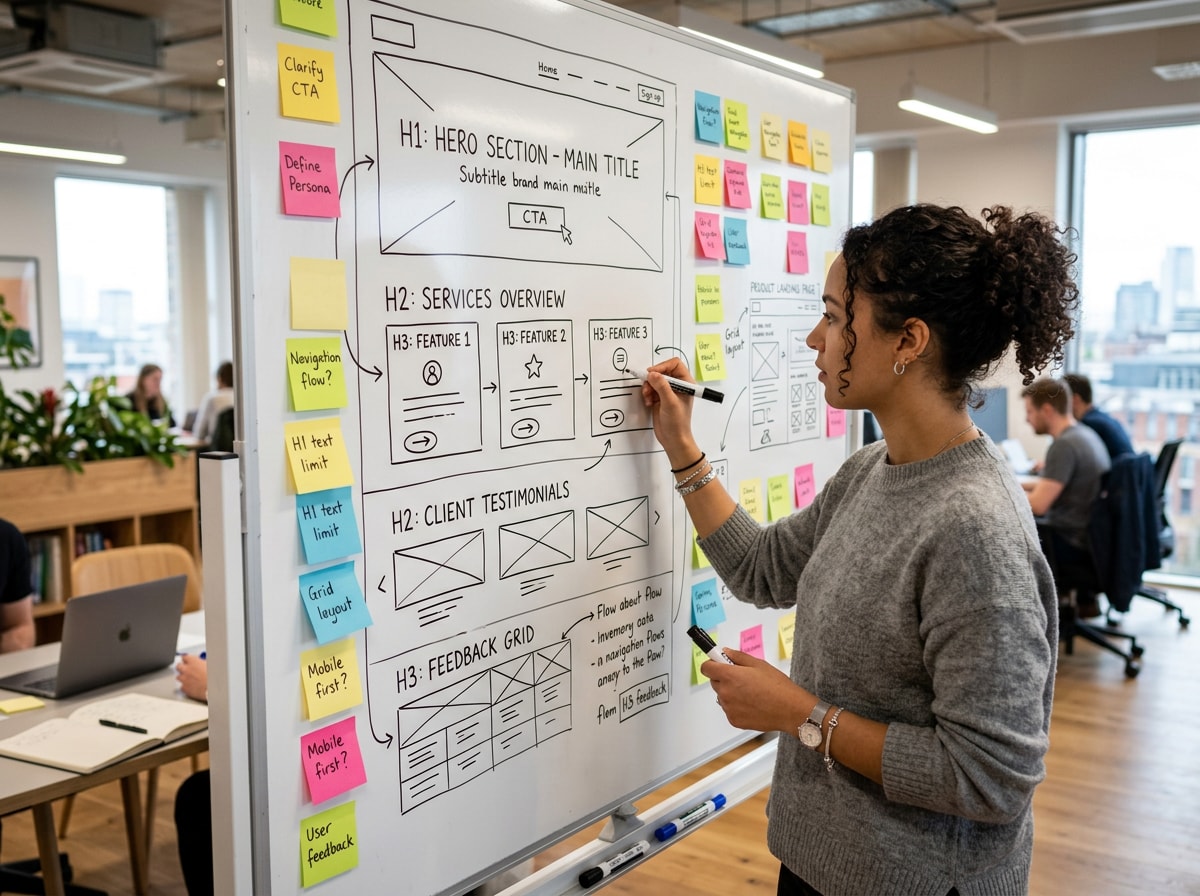
Headings divide content into manageable sections and help visitors understand the structure of a page.
Each page should have one main H1 heading, followed by H2 and H3 headings in a logical order. This benefits both visual readers and people using screen-reading software.
Make Text Easy to Read
Readable content is an essential part of accessibility.
Choose Suitable Font Sizes
Text should be large enough to read comfortably on both desktop and mobile screens. Visitors should also be able to enlarge the content without breaking the page layout.
Decorative fonts may suit short headings, but body text should use a clear and familiar typeface.
Maintain Strong Colour Contrast
Text needs sufficient contrast against its background. Light grey text on a white background may appear stylish, but it can be difficult to read.
Buttons, links and form messages should also be easy to distinguish.
Use Plain Language
Clear language helps visitors understand information quickly. Long sentences, unexplained technical terms and complicated instructions can create unnecessary barriers.
Businesses should aim to communicate important information in a direct and organised way without oversimplifying the subject.
Add Useful Alternative Text to Images
Alternative text, often called alt text, describes the purpose or content of an image for visitors who cannot see it.
For example, a photograph showing a completed office refurbishment might use alt text such as “Modern office refurbishment with open-plan desks and meeting areas”.
Decorative images that add no meaningful information may not require a detailed description.
The goal is to communicate what the image contributes to the page, not to describe every visual detail.
Design Accessible Forms
Forms are often essential for enquiries, bookings and purchases. They should be simple to understand and complete.
Label Every Field Clearly
Each form field should have a visible label explaining what information is required. Placeholder text alone may disappear when the visitor begins typing, which can make the form harder to complete.
Explain Errors Properly
If someone submits incomplete or incorrect information, the website should clearly identify the problem and explain how to fix it.
Colour alone should not be used to show an error. A written message should also appear beside the relevant field.
Request Only Necessary Information
Long forms can discourage visitors and create additional accessibility difficulties. Businesses should ask only for the details required at that stage.
A shorter form is usually easier for everyone to complete.
Make Video and Audio Content Inclusive
Video can be an effective way to present products, explain services and tell customer stories. However, it should not exclude visitors who cannot hear the audio.
Captions should be provided for spoken content, while transcripts can make information easier to review and search.
Important information should not appear only in a video. Supporting written content ensures visitors can access it in the format that suits them best.
Consider Accessibility During the Design Process
Accessibility is easier and more cost-effective when it is included from the start of a project.
Businesses working with a web design agency Manchester should discuss accessibility alongside branding, mobile responsiveness, performance and user experience.
Useful questions to ask include:
- How will keyboard navigation be tested?
- Are colour combinations checked for readability?
- Will forms include clear labels and error messages?
- Can text be enlarged without affecting usability?
- How will images and videos be made accessible?
- Will the website be tested with assistive technology?
An experienced design partner should be able to explain how accessibility influences design and development decisions.
Accessibility Also Improves Mobile Usability
Many accessibility improvements also benefit mobile users.
Large buttons are easier to select on touchscreens. Clear headings make pages easier to scan. Strong contrast improves readability outdoors, while concise forms help people complete tasks quickly.
This means accessibility is not only relevant to a small group of users. It supports better experiences across different devices and browsing situations.
Test With Real Users
Automated accessibility tools can identify certain technical problems, but they cannot fully assess how easy a website is to use.

Manual testing should include:
- Keyboard-only navigation
- Screen reader checks
- Mobile testing
- Form completion
- Text enlargement
- Link and button reviews
- Video caption checks
Feedback from people with different accessibility needs can reveal issues that technical tools may miss.
Maintain Accessibility Over Time
A website may be accessible when it launches but become less usable as new content is added.
Common problems include missing image descriptions, unclear link text, poorly formatted headings and videos without captions.
Content editors should receive basic accessibility guidance, and the website should be reviewed regularly. Accessibility needs to remain part of ongoing website management rather than being treated as a one-time task.
Frequently Asked Questions
Is website accessibility only important for disabled users?
No. Accessible design also benefits older users, mobile visitors, people with temporary injuries and anyone browsing in difficult conditions.
Does accessibility limit creative design?
Accessible websites can still be visually distinctive. The aim is to make creative choices that remain clear, readable and usable.
Can automated tools make a website fully accessible?
Automated tools are helpful, but they cannot identify every problem. Manual testing and user feedback are also important.
How often should accessibility be reviewed?
Accessibility should be checked whenever major updates are made and as part of regular website maintenance.
What is the easiest accessibility improvement to make?
Improving heading structure, colour contrast, image descriptions and form labels can make an immediate difference to usability.
Conclusion
Accessible web design helps businesses create clearer, more inclusive digital experiences. It improves navigation, readability, form completion and mobile usability while allowing more people to engage with online content.
By considering accessibility during planning, design and ongoing maintenance, businesses can reduce barriers and build websites that serve a broader audience. The result is a more useful, professional and customer-focused online presence.